
Professional design editor with live collaboration
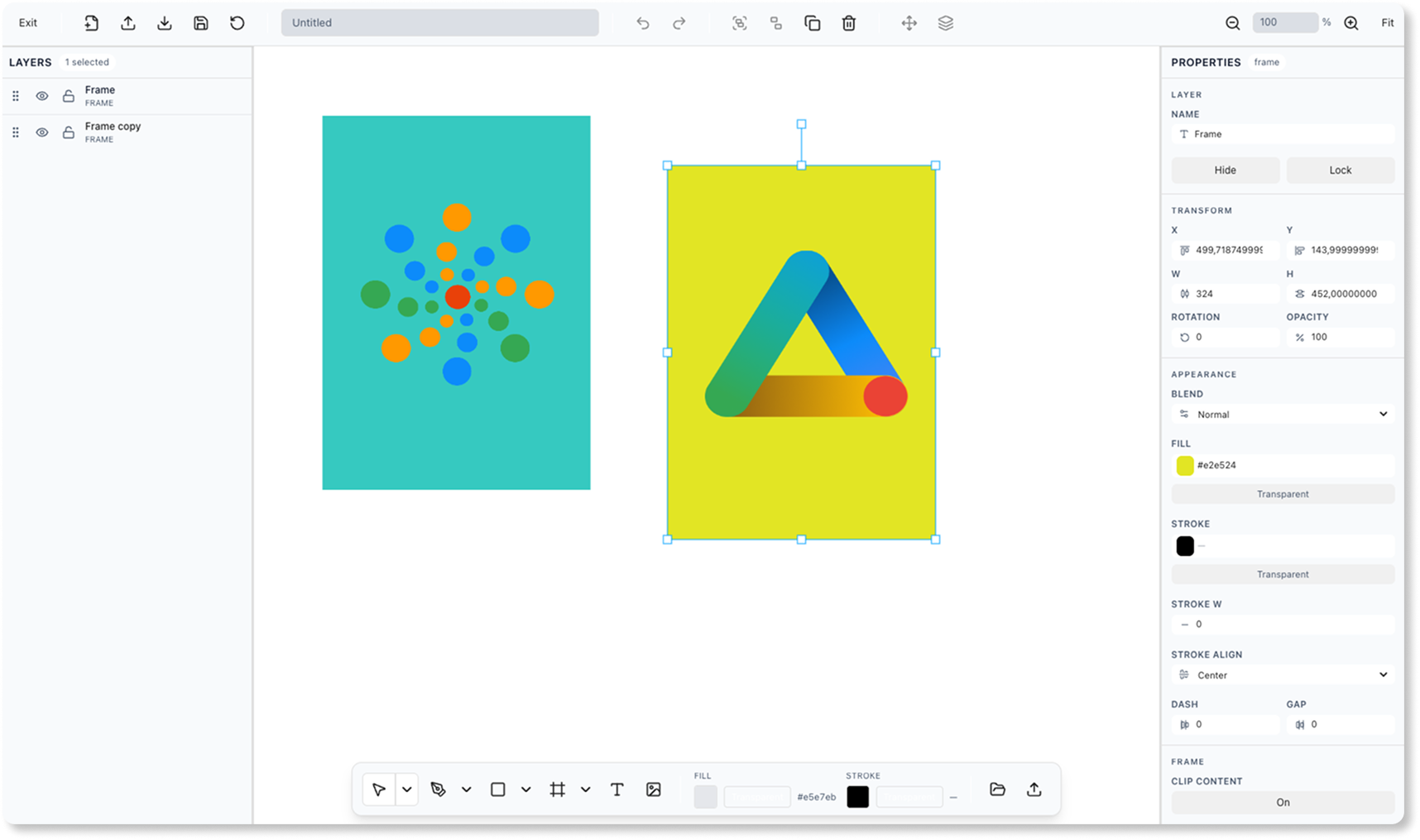
Create stunning visuals with our powerful design editor. Built on Konva.js with live saving, version history, layers, shapes, text, and export capabilities for professional graphics.
Why designers choose Praisma Editor
Built for creative professionals who need powerful tools, real-time collaboration, and enterprise-grade reliability.
Powerful Design Tools
Complete set of design tools including shapes, text, images, and advanced editing capabilities.
Live Auto-Save
Never lose your work with automatic saving and version history that tracks every change.
Version Control
Full version history with labels, restore capabilities, and collaborative editing support.
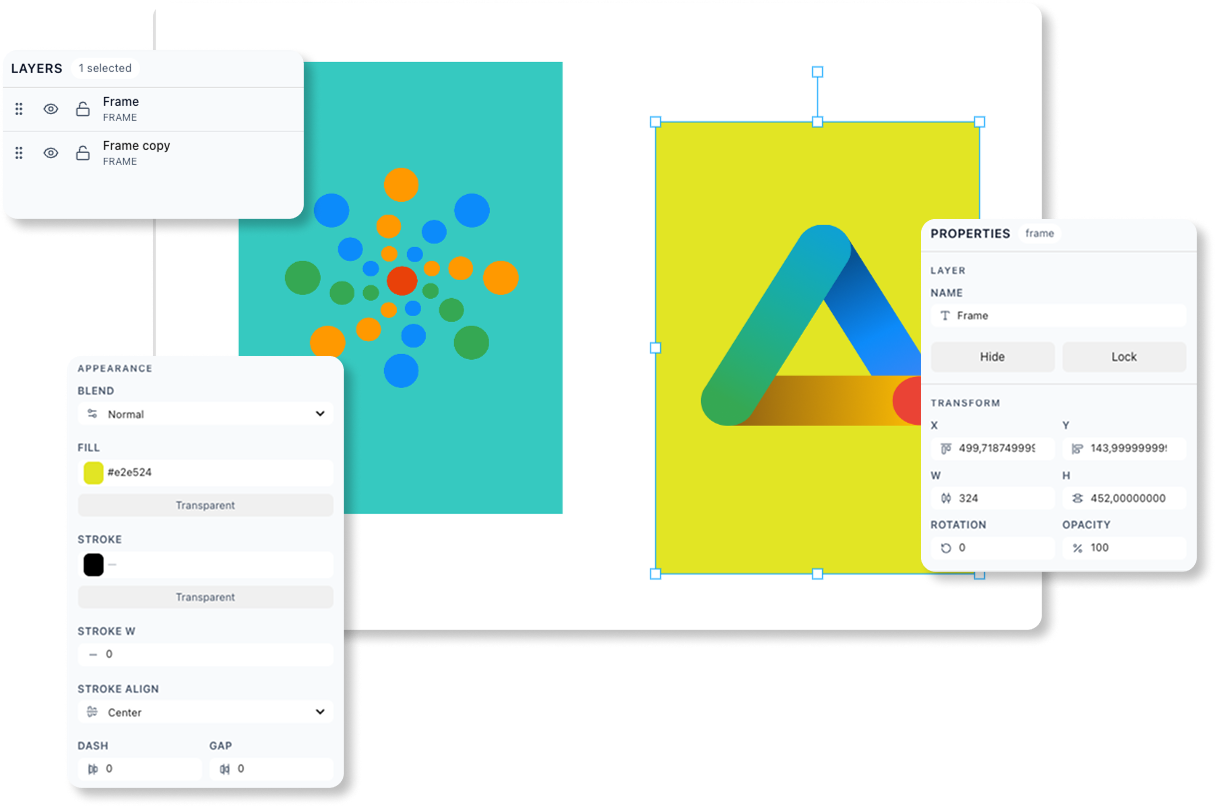
Design on a professional canvas
Work on an infinite canvas with precision tools, zoom controls, and responsive design. Create graphics that look perfect on any device.
- Infinite canvas with pan and zoom controls
- Precision alignment and measurement tools
- Responsive design with device previews
Everything you need to create
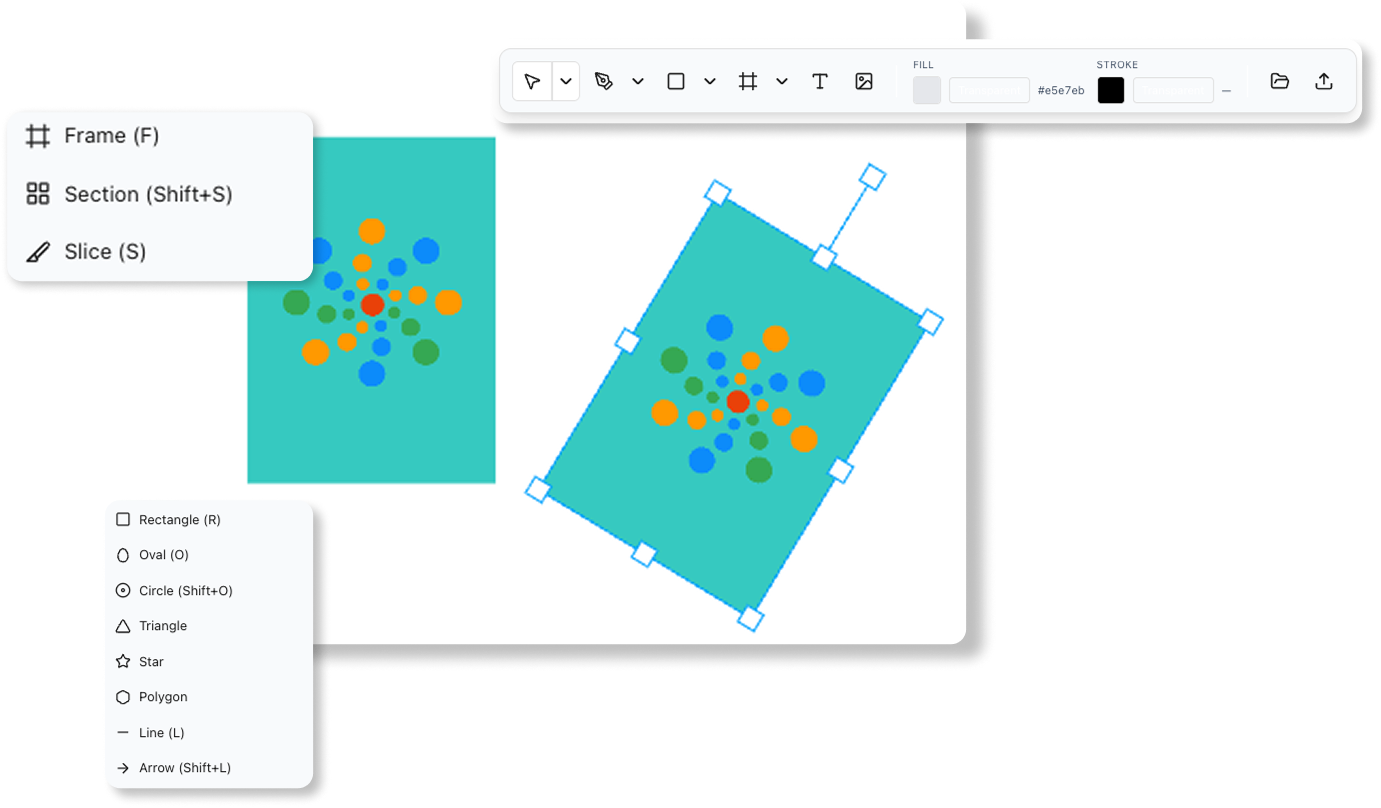
From basic shapes to advanced text editing, our comprehensive toolset covers all your design needs. Add images, create complex compositions, and apply professional effects.
- Shapes: rectangles, circles, stars, polygons, and custom paths
- Text tools with fonts, colors, and advanced formatting
- Image manipulation with cropping, filters, and effects
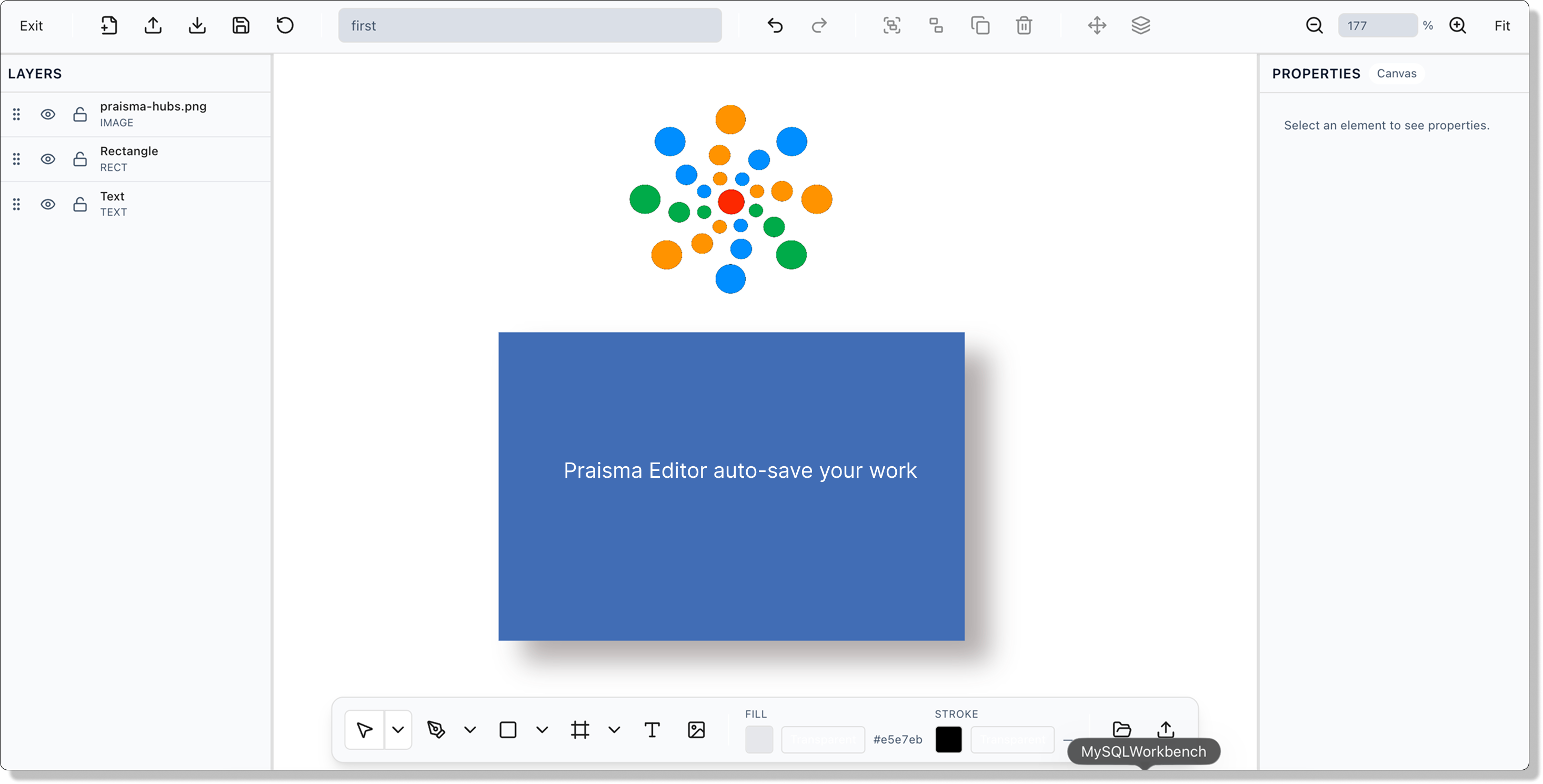
Never lose your work
Automatic saving ensures your work is always protected. Version history lets you track changes, restore previous versions, and collaborate safely.
- Real-time auto-save with configurable intervals
- Comprehensive version history with labels
- Restore any previous version instantly
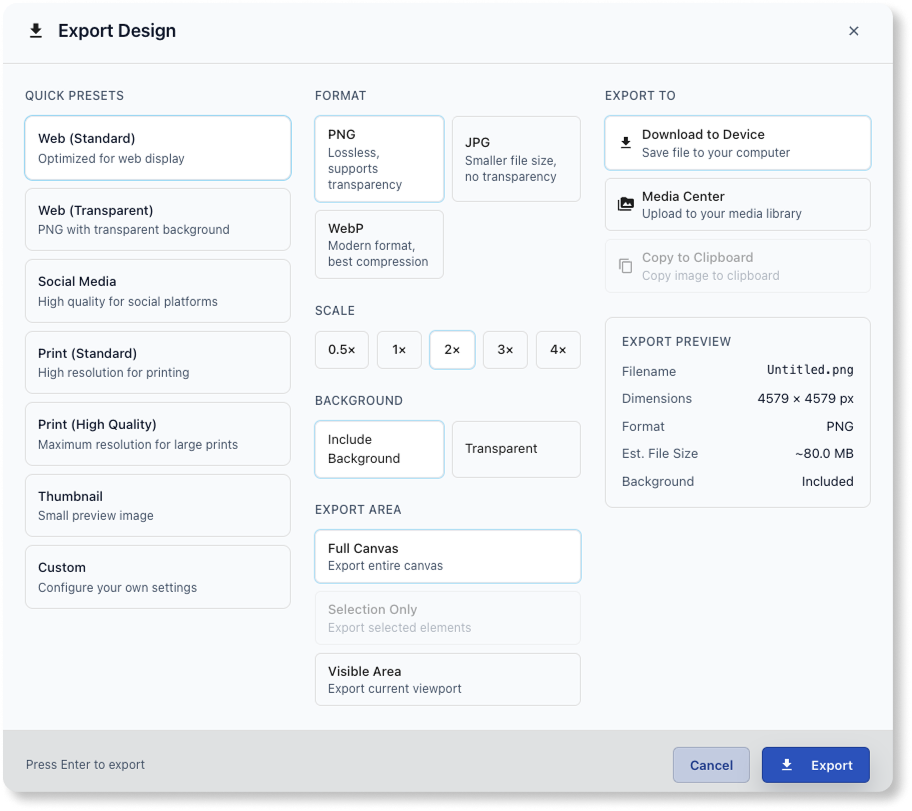
Export for any use case
Export your designs in multiple formats and resolutions. Perfect for web, print, social media, or any professional application.
- PNG, JPG, and other image formats
- Multiple resolution options (1x to 4x)
- Quality controls and optimization settings
Design together in real-time
Share projects with your team, get feedback, and collaborate on designs. Built-in commenting and approval workflows keep everyone aligned.
- Real-time collaborative editing
- Comments and feedback on designs
- Approval workflows and version control

Complete design toolkit
Every tool and feature you need for professional graphic design.
Select Tool
Precise selection and transformation of design elements.
Shape Tools
Create rectangles, circles, triangles, stars, and custom shapes.
Text Tool
Add and edit text with full formatting options.
Image Tool
Import and manipulate images with cropping and effects.
Layers Panel
Organize elements with a professional layer system.
Undo/Redo
Unlimited undo and redo with history tracking.
Auto-Save
Automatic saving prevents data loss.
Version History
Track and restore previous versions of your work.
Export
Export designs in multiple formats and resolutions.
Responsive Design
Design for different screen sizes and devices.
Keyboard Shortcuts
Efficient shortcuts for common actions.
Sharing
Share designs with team members and stakeholders.
Frequently Asked Questions
Praisma Editor supports PNG, JPG, and other common image formats with customizable quality and resolution settings.
Start creating professional designs
Try Praisma Editor free for 14 days. No credit card required.
Free trial includes full editor access with unlimited projects.